

Shoes
Browse sneakers, running shoes, boots and sandals by shape or model. Narrow a search by brand, then compare uppers, profiles and soles across the product gallery and any existing QC. Confirm sizing on the current listing.
Find your next piece. Take a closer look.
Explore clothing, sneakers and accessories. Compare product photos and existing QC before opening the RizzitGO listing.
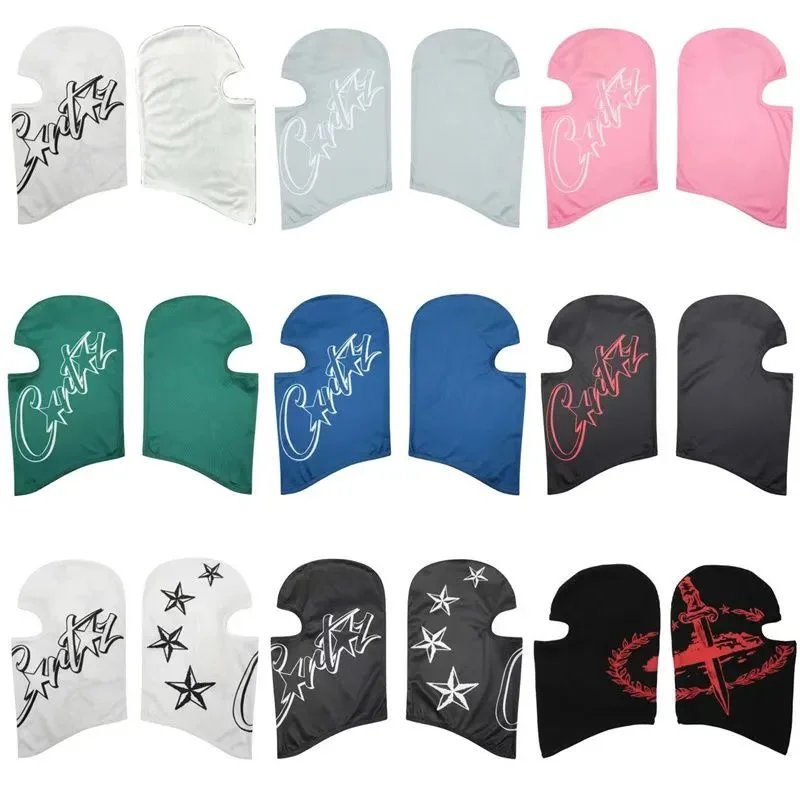
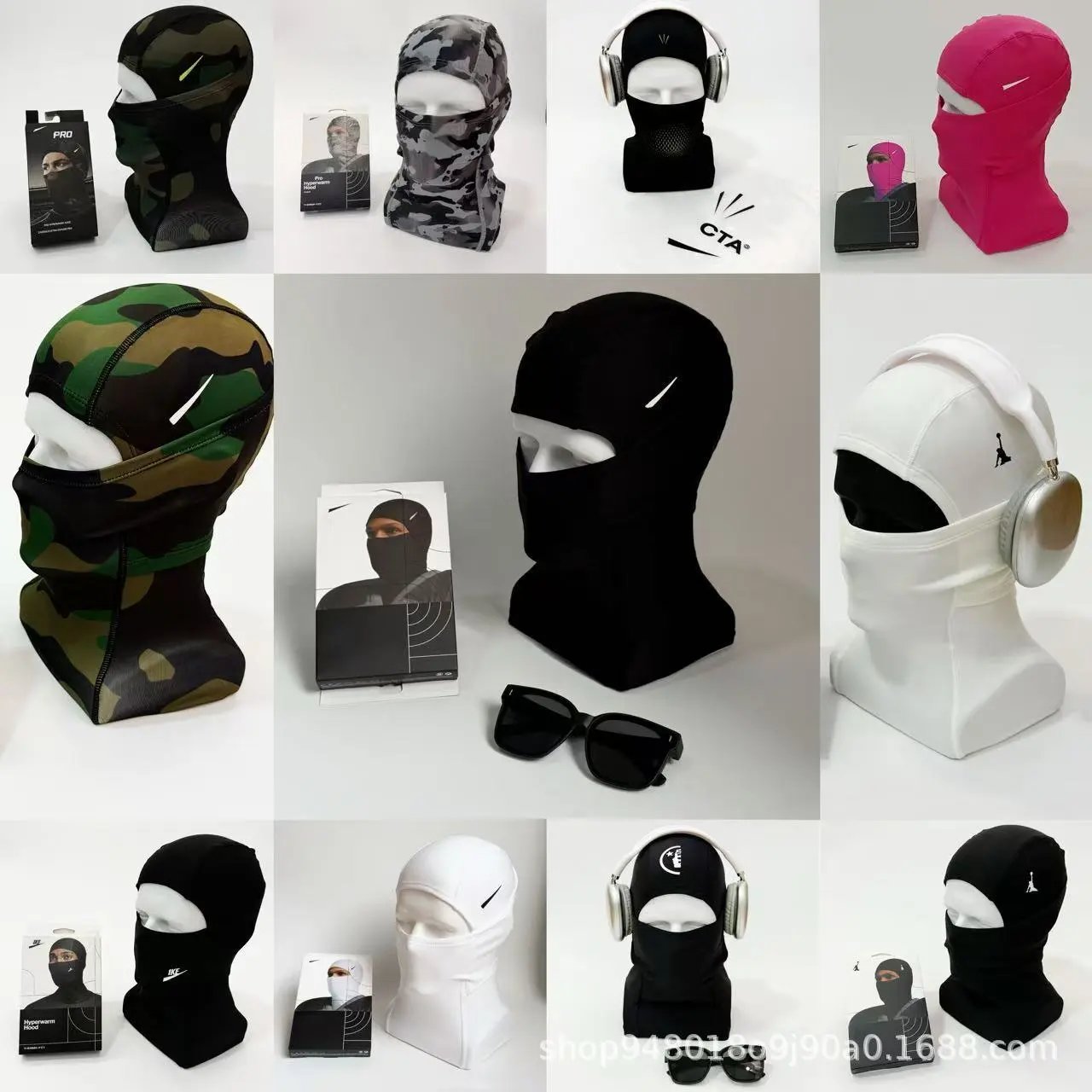
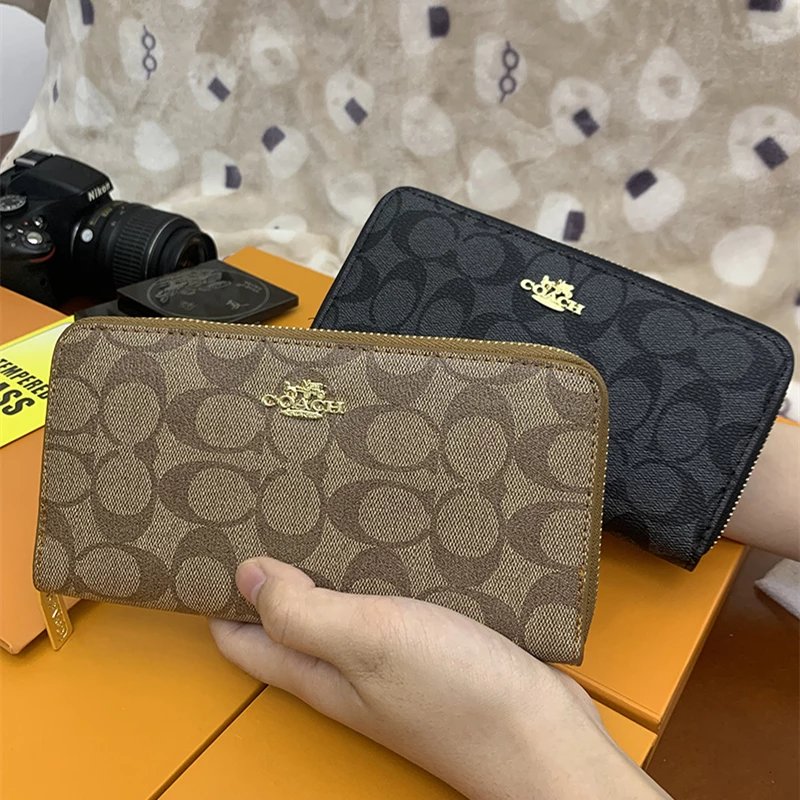
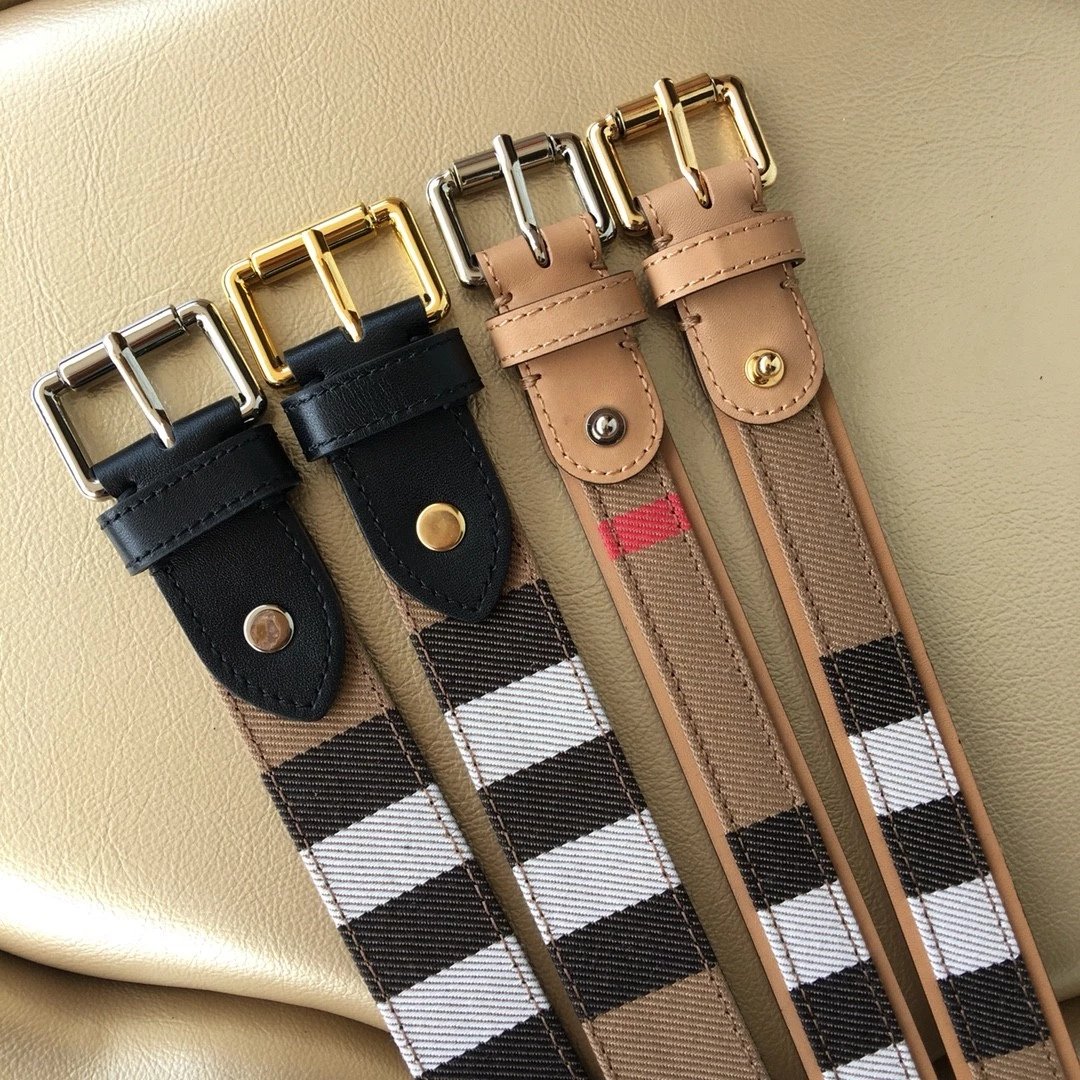
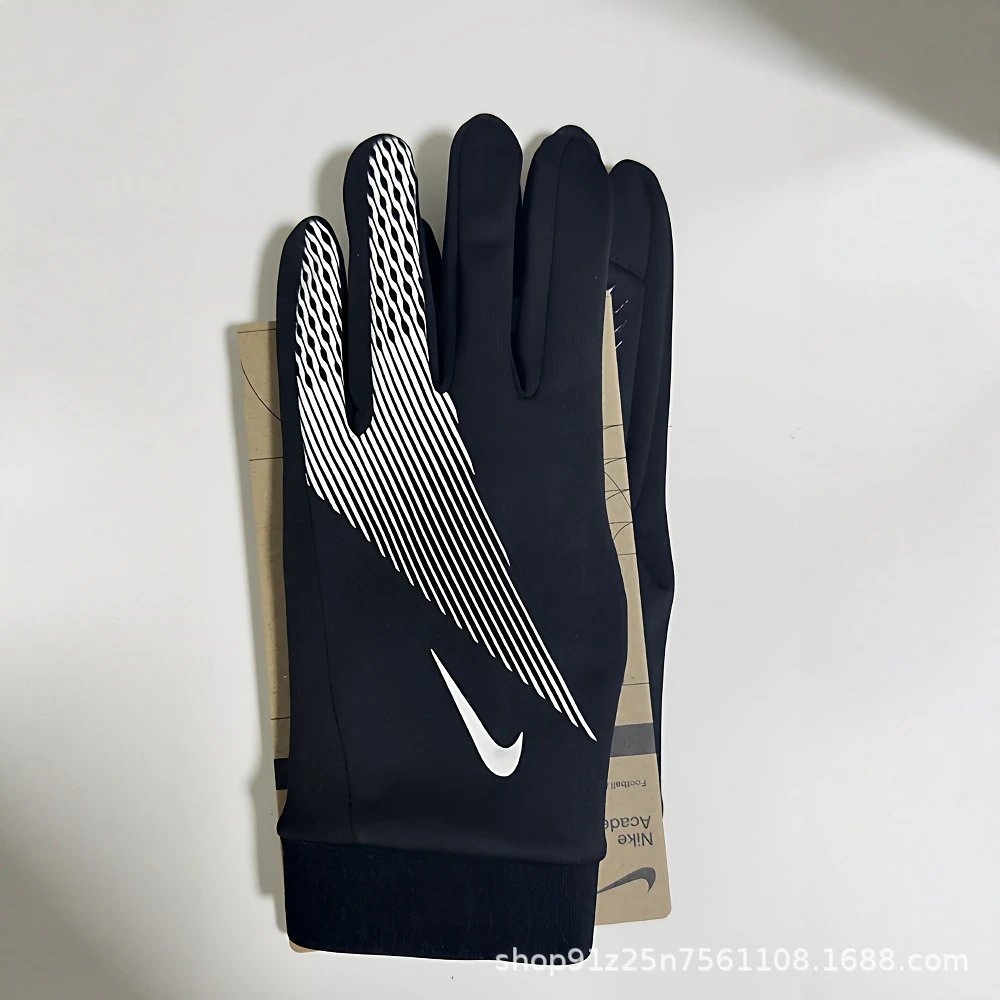
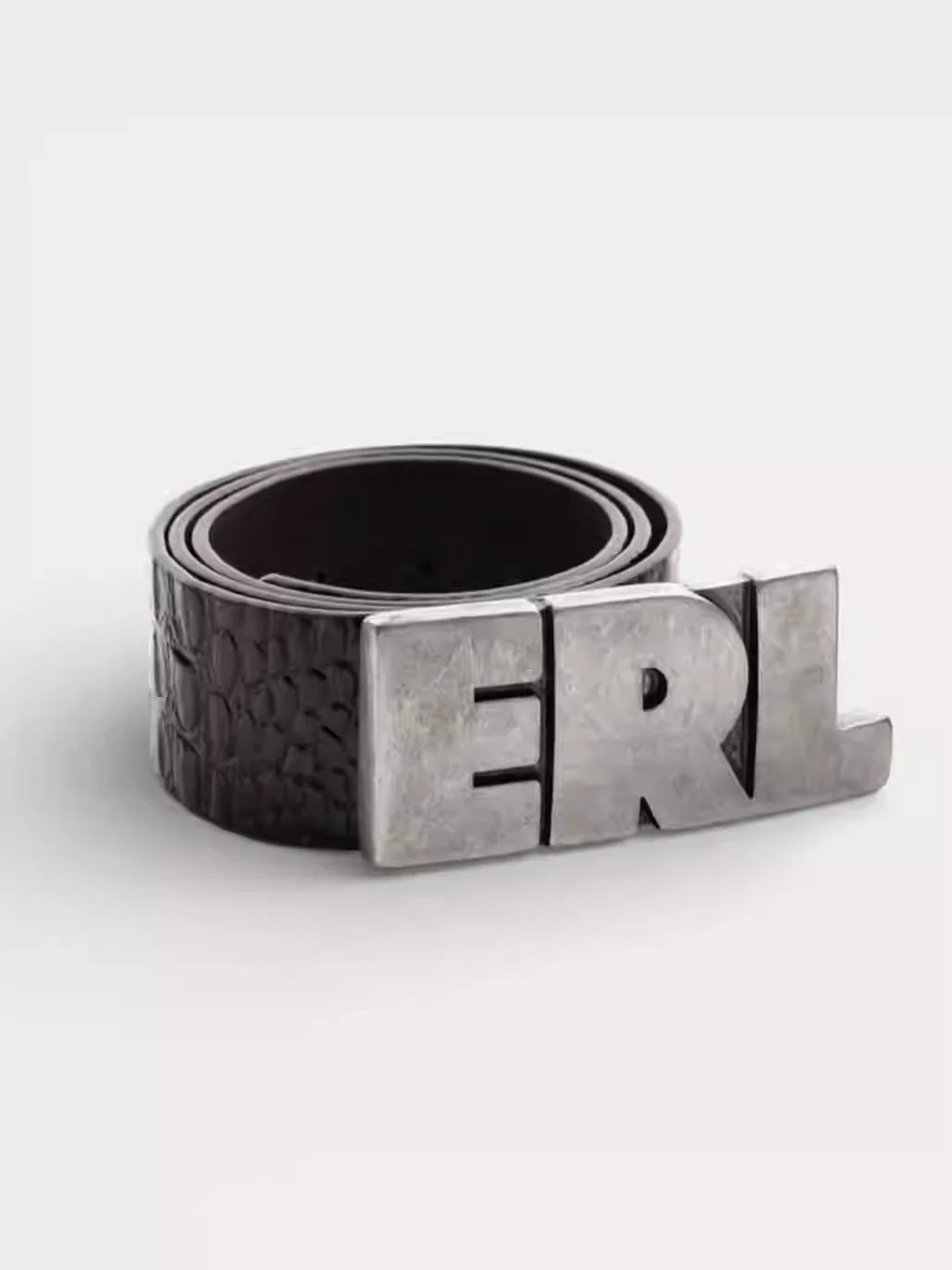
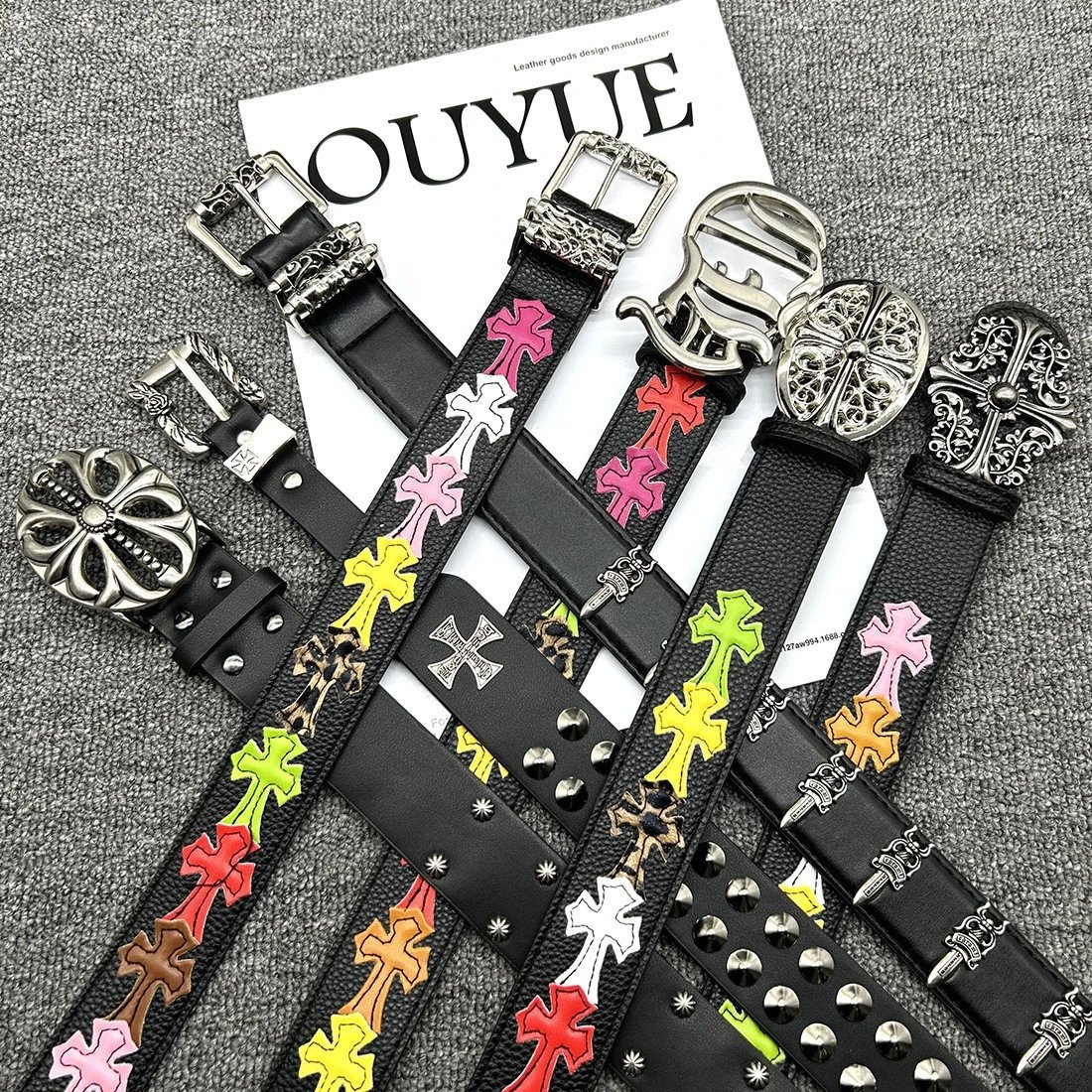

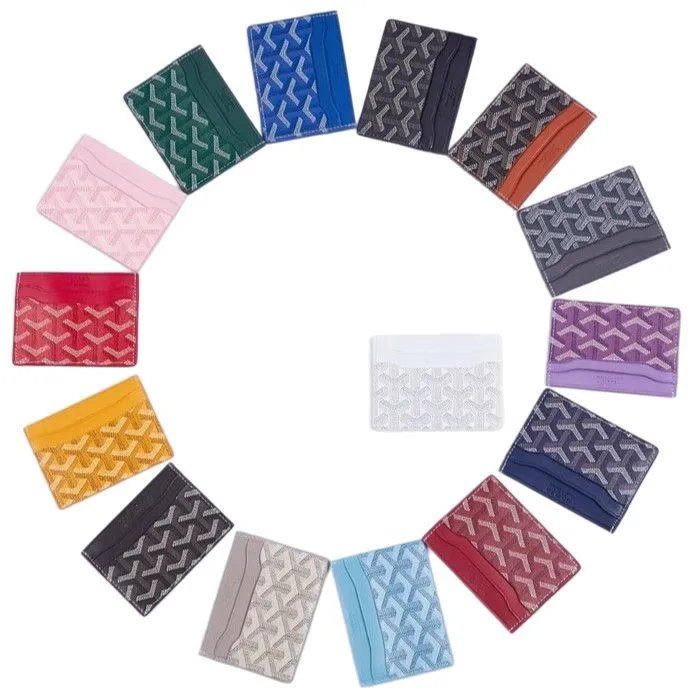
Browse sneakers, running shoes, boots and sandals by shape or model. Narrow a search by brand, then compare uppers, profiles and soles across the product gallery and any existing QC. Confirm sizing on the current listing.
Tees, hoodies, shirts and knitwear have focused lists. Start with a name or visible print, then inspect collars, cuffs and back views. Preview pictures distinguish pictured options; choose the actual order option on RizzitGO.
Find trousers, shorts and skirts by cut or style. Compare front views, pockets and hems, then check the source item ID when two listings look alike. Measurements belong to the current seller listing.
Explore jackets, coats and outer layers through their collars, closures and back views. Existing QC stays separate from the seller gallery so visible details are easier to compare. Pictures alone cannot establish warmth or fabric composition.
For coordinated outfits, compare the whole look before examining individual pieces. A photograph of a complete outfit does not establish what one seller option includes; read the current listing before selecting it.
Browse underwear, socks and base layers by name or brand. Use the pictures to compare styles and the source description to confirm quantities, fabric and sizes. The preview alone does not establish the contents of an option.
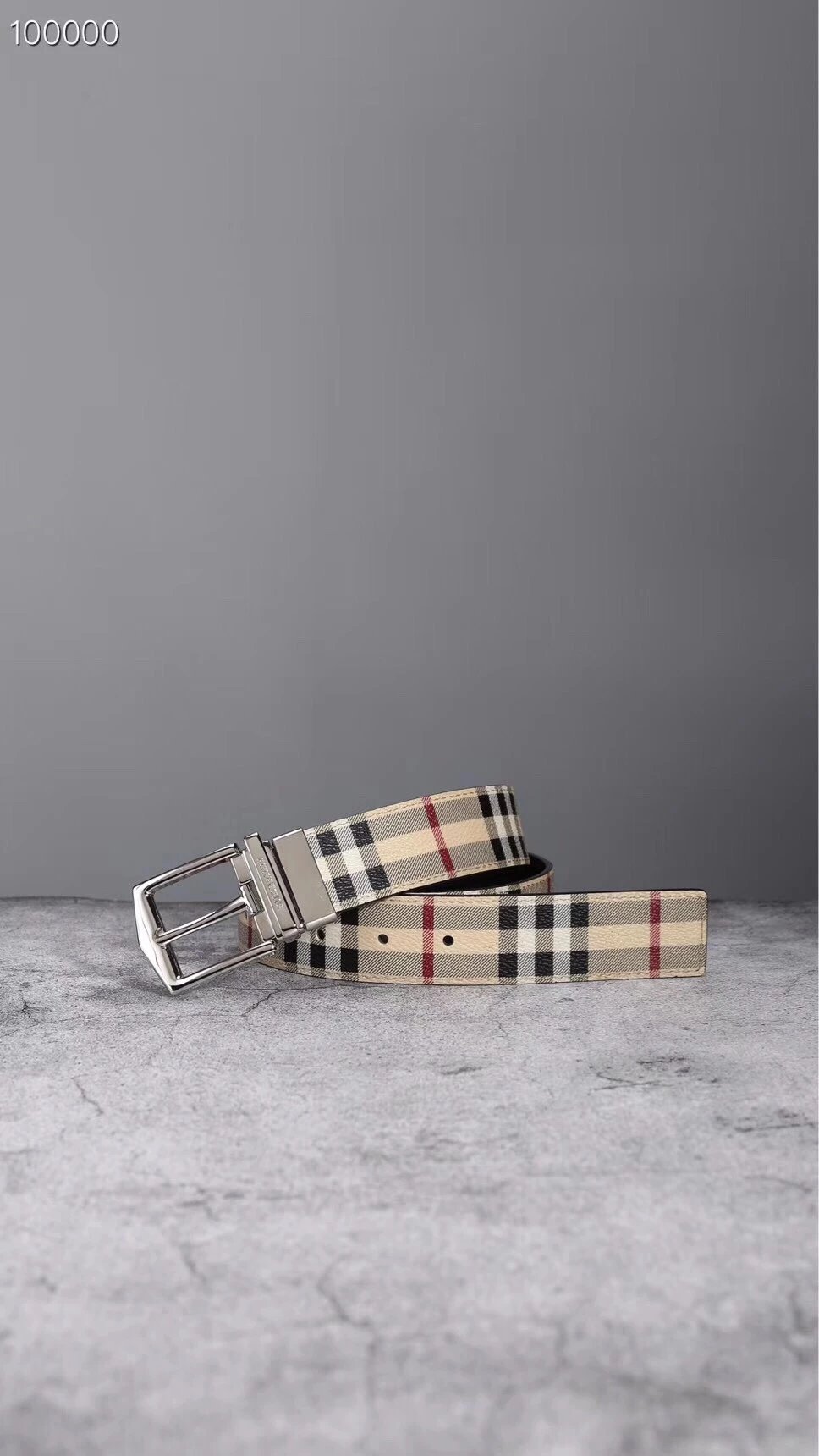
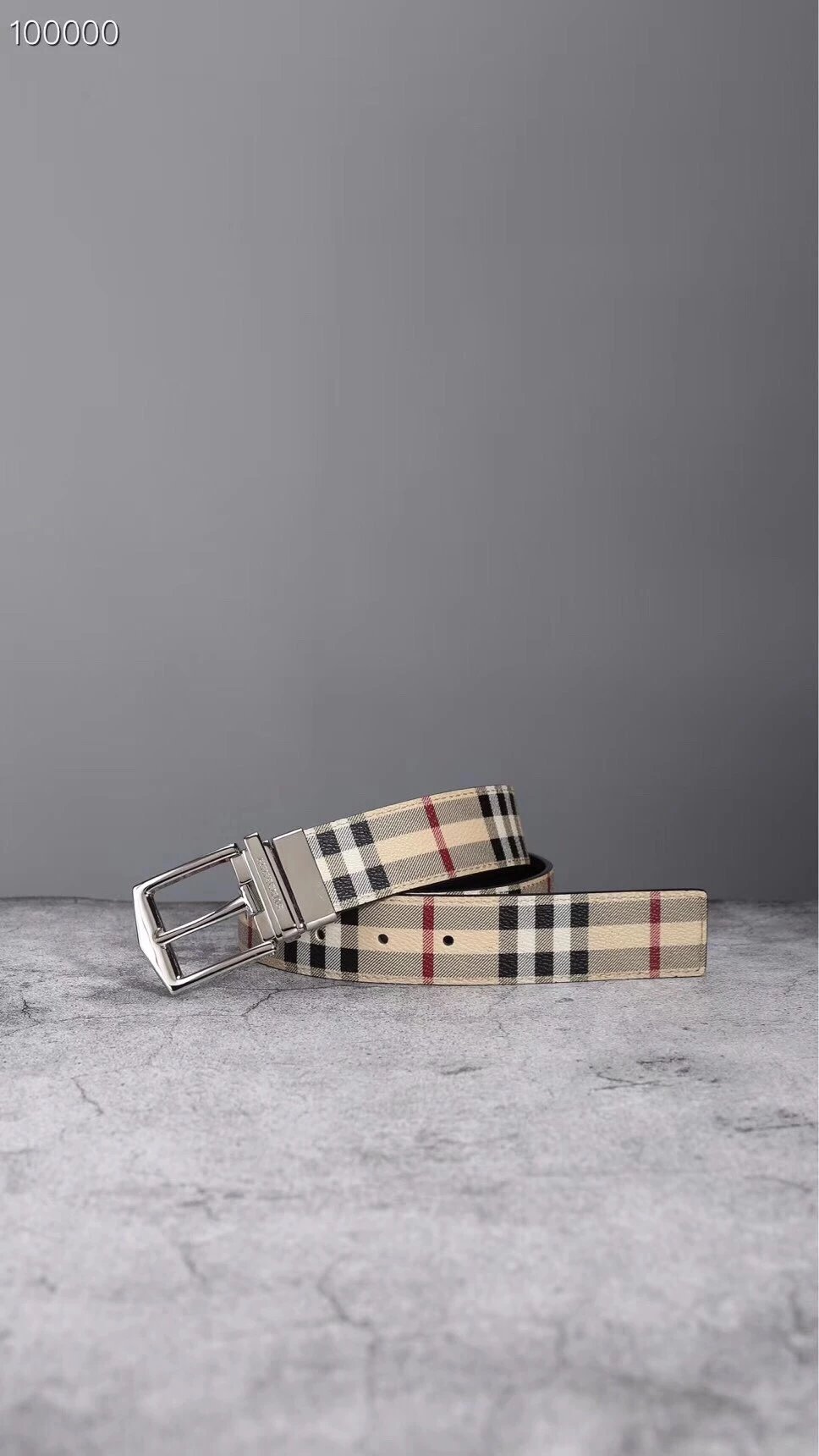
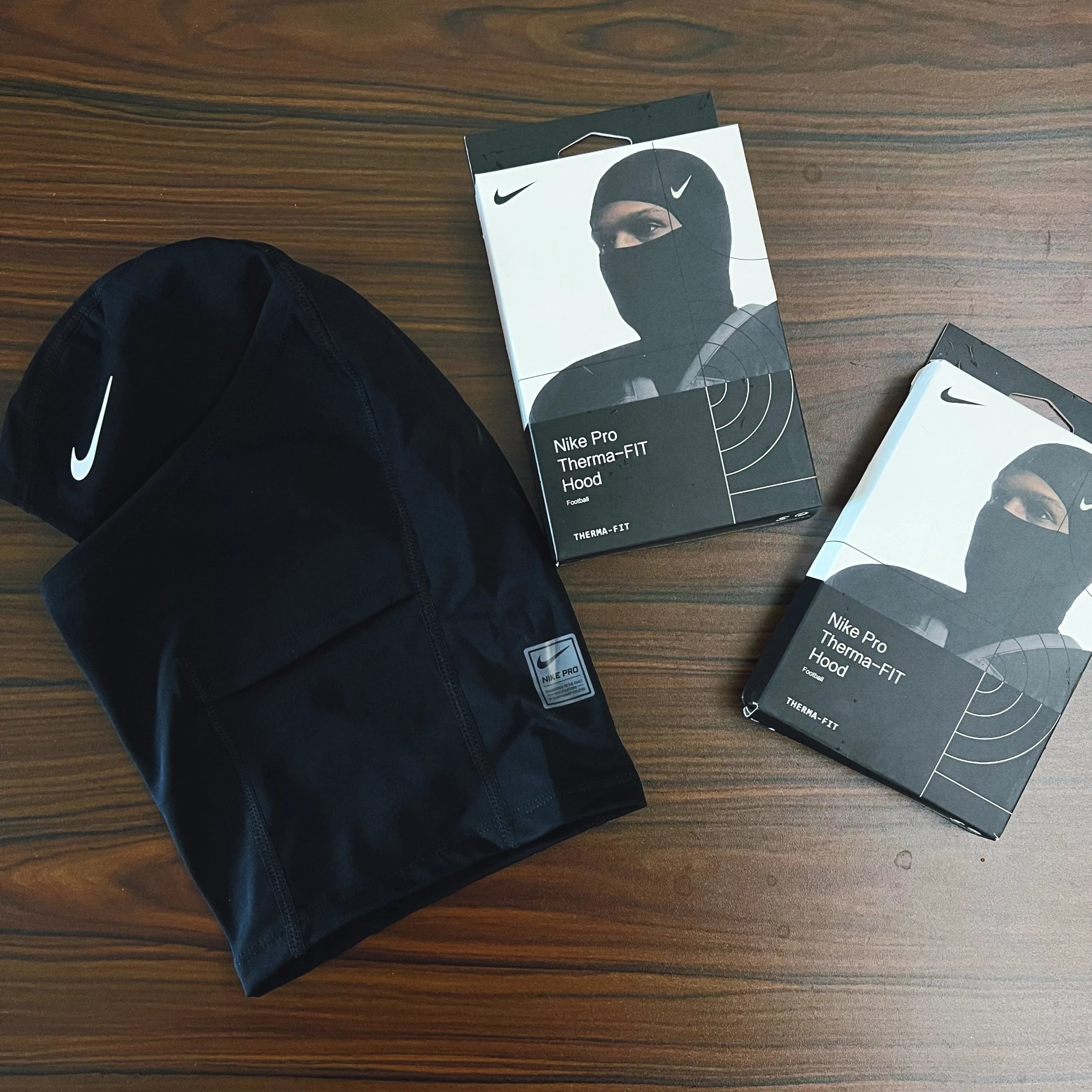
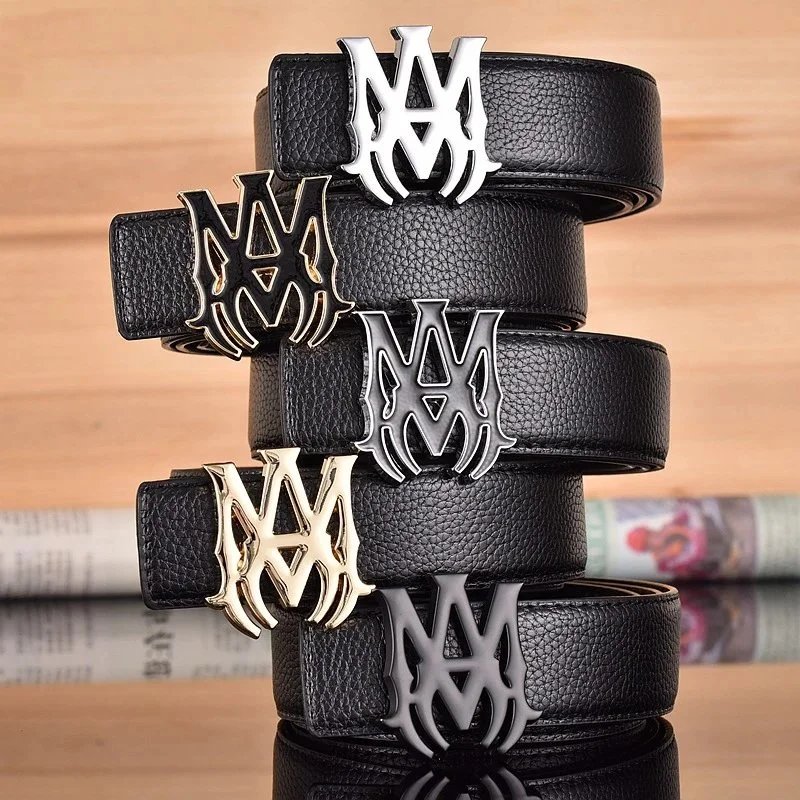
Bags, hats, belts and smaller accessories are grouped into focused lists. Open an item to inspect its shape, straps, fastenings and available interior views. Use the original source link to distinguish similar designs.
Find devices and electronic accessories by name or appearance. Similar housings can belong to different models. Confirm model numbers, ports, functionality and included accessories on the current source listing.
Explore finds beyond the clothing categories with their own photos, reference prices and source links. A keyword or image gives a starting point; open the individual listing rather than assuming similar pictures mean the same use.
Product pictures, existing QC and continuing on RizzitGO.
A searchable spreadsheet of source products: clothing, shoes, bags, accessories and other finds. Open an item to compare its pictures, reference price and any existing QC before continuing to RizzitGO.
Search a product type or a distinctive name. A short query such as hoodie gives a broad list; brand and category filters help narrow it without losing your search.
Yes. Image search accepts an uploaded, dropped or pasted picture. Pick one clearly visible item, then compare the resulting listings: visual similarity alone does not establish an exact match.
The category index groups the focused lists beneath their parent category. Shoes includes sneaker lists, Tops includes hoodies, and Accessories includes bags. Each entry opens its own product list.
Seller pictures and existing QC references are separate sections. Existing QC is associated with the source item; it is not evidence of an inspection of your future RizzitGO order.
Open a product or QC image to see its complete original in the viewer. The regular page uses fixed image frames; the viewer lets you zoom and move between available photographs.
They switch the image preview so you can compare pictured options. They do not reserve stock or select a size for an order. Make the actual option selection on RizzitGO.
No. When no QC references are available, there are no inspection pictures to show. Seller images remain in the product gallery and are not substituted into the QC section.
For a supported Weidian listing it passes that listing’s numeric source item ID as goodsId and source=3. Compare the destination item and current options before continuing.
Use Copy Weidian Link on the product page. The copied source URL identifies the original listing, while the RizzitGO button opens the same supported source item through the shopping agent.
The first visit uses US dollars. Change currency in the header if needed. These converted catalog prices are references; confirm the current product quote and selected options on RizzitGO.
This is an independent discovery site with referral links. Registration and product links lead to the official RizzitGO website, where accounts and purchases are handled.